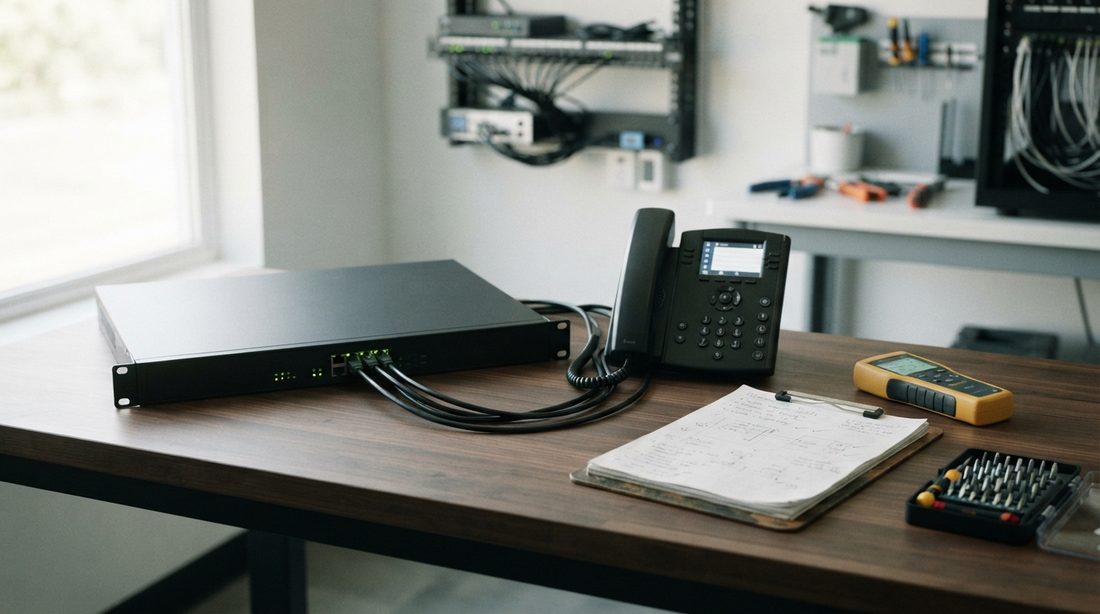
Few network headaches are as disruptive to daily operations as recurring hosted VoIP drops. At a local municipal water department office, four RingCentral Cisco CP-7841 desk phones were dropping offline 10 to 15 times a day. Every time the glitch occurred, all four handsets lost connection simultaneously for 10 to 20 seconds, severing active client calls and forcing residents to call back.
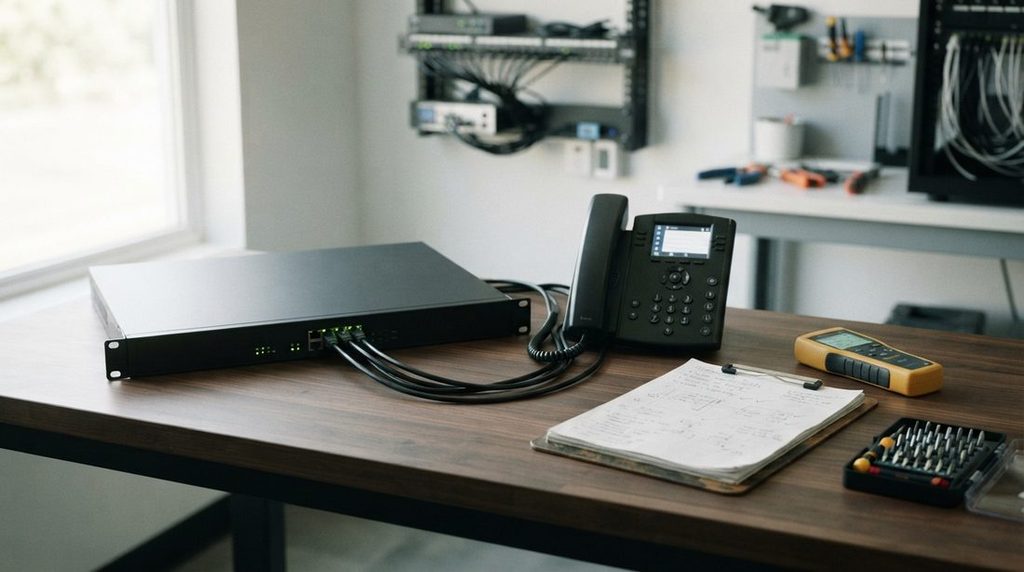
Here is a look at the diagnostic breakdown, why standard VoIP fixes failed, and the comprehensive “Optimization Profile” deployed on the TP-Link Omada ER707-M2 gateway that resolved the issue permanently.
The Environment & Symptoms
- Location: Local Water Department Office
- Hardware: 4x Cisco CP-7841 IP Phones (sip78 firmware)
- Internet Connection: Spectrum Business Cable (Bridged Modem)
- Gateway/Router: TP-Link Omada ER707-M2 (Firmware v1.3.1)
- Symptom: All phones simultaneously unregister or drop active calls for 10–20 seconds multiple times an hour, then re-register on their own. General office web browsing and email never dropped.
The Failed First Attempt: Why Baseline SIP Tweaks Weren’t Enough
When hosted VoIP drops out, standard network troubleshooting manuals almost always suggest two universal settings:
- Disable SIP ALG (Application Layer Gateway): Prevents edge routers from rewriting SIP packet headers and corrupting session data.
- Increase UDP Stream Timeouts: Extending the gateway’s state timeout from 60 seconds to 300 seconds prevents the firewall from terminating silent voice connections during holds or pauses.
While both adjustments are mandatory for reliable hosted telephony, they did not resolve the problem here. The fact that all four phones dropped simultaneously pointed to edge firewall state handling, traffic congestion, or deep packet inspection (DPI) rather than a single failing handset.
The Permanent Fix: Building an Omada VoIP Optimization Profile
To stabilize the phones, we engineered a three-tier optimization profile directly within the Omada controller for the ER707-M2 gateway:
1. WAN & Global State Table Tuning
- True Bridge / IP Passthrough: Verified the ISP modem operated in complete bridge mode, passing the public IP directly to the Omada gateway WAN interface to avoid double-NAT issues.
- State Timeouts: Maintained UDP Stream at 300s and increased UDP Other to 120s. This ensures silence suppression or long holds never cause the firewall’s state table to purge active audio paths.
- SIP ALG: Verified disabled under
Settings > Transmission > NAT > ALG.
2. Traffic Prioritization (Quality of Service – QoS)
Voice packets are tiny and delay-sensitive. If an office computer starts uploading a large report or running an automated cloud backup, general network buffers can fill up (bufferbloat), causing fragile voice packets to be delayed or dropped.
- Static IP Assignment: Assigned static IPs to each handset (
192.168.1.2,.4,.6,.8). - VoIP IP Group: Grouped the phone IPs into a dedicated object named
Cisco_VOIP_Phones. - Bandwidth Control Rules: Built dedicated rules with Priority 1 (Top of List), reserving dedicated ingress and egress bandwidth exclusively for the voice group.
3. Stateful Gateway ACL & DPI Bypass
Modern commercial gateways often run intrusion defenses (Flood Defense, TCP/UDP scanning defense, and Deep Packet Inspection). A continuous stream of incoming and outgoing SIP/RTP packets across multiple devices can easily trigger these defenses as a false-positive flood attack, causing the firewall to temporarily sever the session.
- RingCentral Server Supernets: Created an IP Group named
RingCentral_Serverscontaining RingCentral’s official subnets:199.255.120.0/22104.245.56.0/21192.209.24.0/21208.87.40.0/22
- Gateway ACL Rule (
Permit_Cisco_to_RingCentral): Configured an explicit stateful permit rule (LAN -> WAN, Protocol: All) connecting theCisco_VOIP_Phonesgroup directly toRingCentral_Servers. This bypasses invasive inspection layers, allowing authenticated phone traffic to flow unimpeded.
Standard Deployment & Verification Protocol
Once the profile was deployed to the ER707-M2 gateway, we executed standard cleanup procedures:
- Clear NAT State Tables: Power-cycled each phone to purge stale session entries and establish clean sessions in the new NAT table.
- WAN Link Monitoring: Audited gateway system logs to confirm the ISP WAN port was completely stable and not flapping.
- Emergency Port Shifting: If calls had dropped at exactly 30 seconds (a common sign of carrier-level SIP manipulation), shifting the local SIP listening port from
5060to5070is the standard workaround. In this deployment, the ACL and QoS rules resolved the issue without needing port remapping.
The Result
The phones have now run in active daily production for several weeks with zero dropped calls, zero unregistrations, and zero interruptions for office staff.
When cloud VoIP drops intermittently, the root cause is rarely Internet download speed. In almost every case, the solution lies in how the edge router prioritizes queues, manages state tables, and applies firewall inspection rules.
Fix Your Office VoIP and Network Drops
Struggling with dropped office calls, erratic Wi-Fi, or firewall bottlenecks? Learn more about our hands-on Business Networking & Wi-Fi Setup services, or reach out directly for diagnostic network support,