Remote PC Setup & Workstation Migration
Seamless deployment of new business laptops and desktops. Expert hardware recommendations, complete data migration, and zero office downtime.
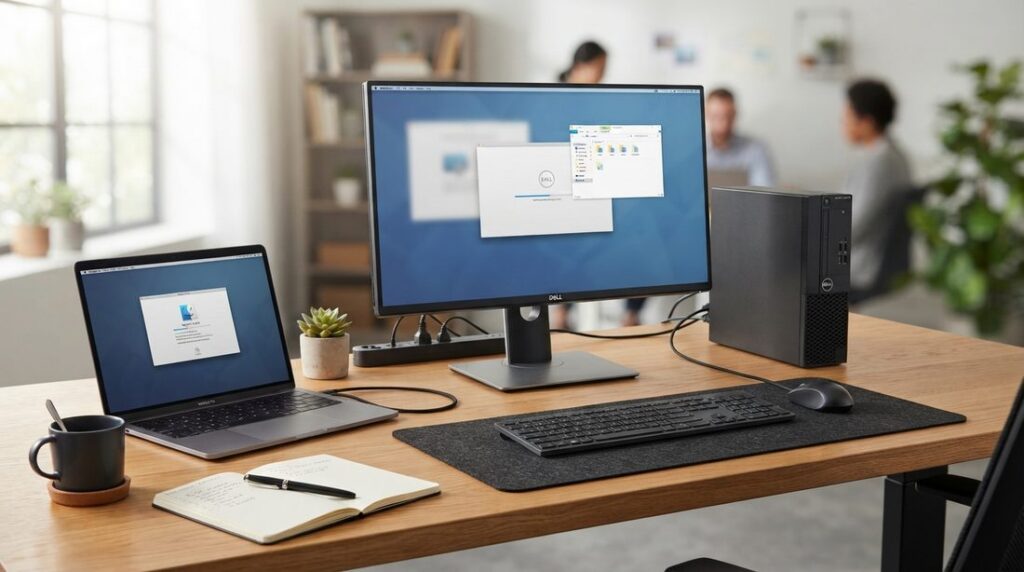
Upgrading Your Workstations Without the Frustration
Buying and setting up a new business computer shouldn’t take days of troubleshooting, lost files, or forgotten passwords. When a workstation fails or an employee needs an upgrade, you need that new machine configured with all your software, documents, and settings ready to go on day one.
Mike’s Computer Tech takes the headache out of computer replacements. From advising you on the best hardware for your budget to securely transferring all your files and locking down system defenses, we handle the entire setup remotely with minimal interruption to your workday.
Core Setup & Deployment Areas
Hardware Consulting & Purchasing Advice
Get objective, practical guidance on selecting the right business laptop or desktop. We recommend reliable hardware configurations matched to your specific workflow so you don’t overspend on unnecessary specs.
Complete Data & Profile Migration
We transfer your documents, desktop layout, browser favorites, stored credentials, and local settings from your old computer to the new one. Your new workstation feels familiar and ready to work immediately.
Security & Endpoint Protection
Every new PC is configured with essential defenses from the start. We install robust ransomware protection, configure automated cloud backups, and remove pre-installed bloatware that slows down performance.
What Every New PC Setup Includes
Our Hands-On Setup and Onboarding Checklist
- Pre-Purchase Consultation: Evaluating your workload and recommending the best business-class laptops, desktops, or monitors.
- User Account & Profile Configuration: Creating clean local and Microsoft/Google user accounts with proper permissions and security defaults.
- Data & File Migration: Safely copying documents, photos, accounting databases, spreadsheets, and personal configurations from the retired machine.
- Operating System Optimization: Stripping out factory trialware and bloatware, adjusting performance settings, and applying all critical Windows updates and patches.
- Software Installation & Licensing:* Installing and configuring essential business software, PDF tools, web browsers, and specialized industry applications.
- Network & Peripherals Setup: Reconnecting office printers, network scanners, Wi-Fi networks, and mapped Synology file shares.
- Automated Cloud Backup Setup: (optional) Installing and testing endpoint backup software (MSP360 + Wasabi) to ensure new files are protected immediately.
- Ransomware & Malware Defense: Deploying security tools and verifying active threat monitoring before putting the PC into daily service.
* Software Licensing, Subscriptions & Vendor Support: Clients are responsible for maintaining active licenses, account credentials, and subscription payments for third-party software (such as Anti-virus software, Microsoft 365, accounting suites, or industry-specific tools). While we install and configure standard applications, specialized proprietary software (such as municipal billing, accounting databases, or point-of-sale systems) may require your third-party vendor’s technical support to authorize license transfers, migrate proprietary databases, or complete final server re-links.
Frequently Asked Questions: Remote PC Setup & Workstation Migration
Can you help me select the right replacement computer?
Yes. Rather than buying an off-the-shelf system that might be underpowered or packed with unnecessary retail bloatware, we evaluate your specific workload, software requirements, and budget to recommend the ideal commercial-grade or custom-configured PC. We help you choose the right CPU, RAM, NVMe storage capacity, and multi-monitor graphics capabilities, ensuring your new investment handles your daily workflow smoothly and remains fast for years to come.
Can you set up a new computer completely remotely?
Yes. Once you connect the new machine to power and the internet, we initiate a secure remote session to handle the entire configuration from start to finish. We configure Windows user profiles, remove factory trial bloatware, apply the latest OS and driver updates, set up security policies, connect network printers, and install all of your day-to-day business applications without you having to unhook equipment or wait around for a technician on site
How do you migrate my files and settings from the old computer?
We perform a complete, seamless data transfer from your old workstation to the new one. This includes moving all documents, desktop files, photos, browser bookmarks, saved passwords, and accounting or specialty data files. We also map existing network shares and reconfigure your cloud storage sync so your working directories match your previous setup seamlessly.
What happens to my licensed software and business email?
We reinstall your essential business productivity tools—including Microsoft 365, Google Workspace, Adobe, and specialized business applications—and verify license activations. Your email accounts are reconnected with all historical folders, calendars, contacts, and custom email signatures fully intact so you never miss incoming correspondence.
How do you ensure my old computer is safely wiped before disposal?
Before decommissioning or recycling an old machine, we verify that all critical files have successfully transferred to your new setup and validate that your automated backups are active. Once confirmed, we perform a certified, multi-pass cryptographic data wipe of the old drive to permanently destroy all residual client records, passwords, and sensitive financial data, preventing unauthorized recovery.
What if I need local hands-on physical setup instead of remote service?
While our remote setup service is available nationwide, scheduled on-site appointments are available across Central Florida (including Kissimmee, Orlando, Celebration, Davenport, and surrounding areas). On site, we handle physical desktop unboxing, ergonomic desk placement, multi-monitor boom mounting, cable management, and UPS battery backup installation..
Planning a Computer Upgrade or Adding a New Team Member?
Speak directly with Michael Challis to get hardware recommendations or schedule a seamless remote PC setup.